Apps for Jira & Confluence Cloud · Built on Atlassian Forge
Pass the access audit. Automate the routine. Clean up in bulk.
Twelve single-purpose apps for the people who run Jira and Confluence Cloud — permission audits, recurring tasks, page approvals, stale pages, bulk clean-up. Each does one job precisely, and runs entirely inside your own Atlassian tenant.
See all twelve apps Read the how-to guides
- Free for up to 10 users
- 30-day free trial
- Runs on Atlassian: data stays in your tenant
- Support from the people who build it
The fleet
Twelve apps. One job each.
Start from the gap you are trying to close. Every live app comes with a one-minute demo, its own documentation and its own privacy policy.
-
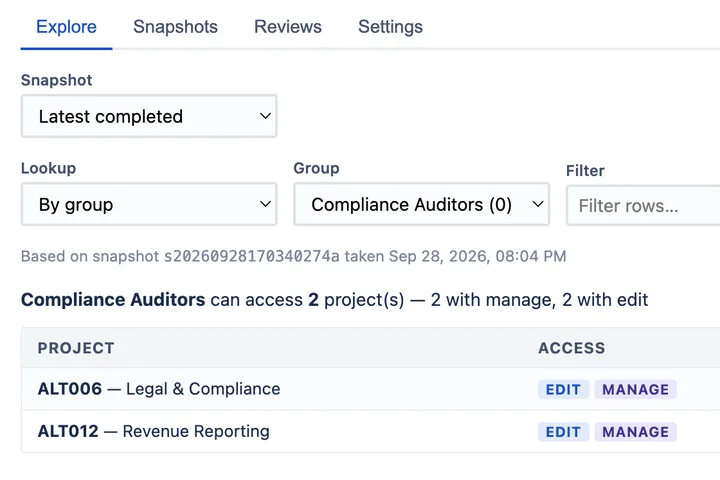
Prove who can access what in Jira — at a point in time.
AccessLens for Jira Runs on Atlassian
-
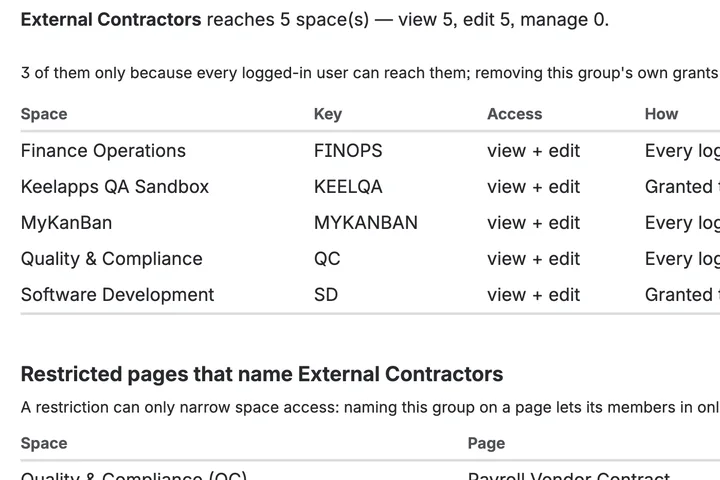
Which spaces can this group reach, and which pages are locked?
AccessLens for Confluence Runs on Atlassian
-
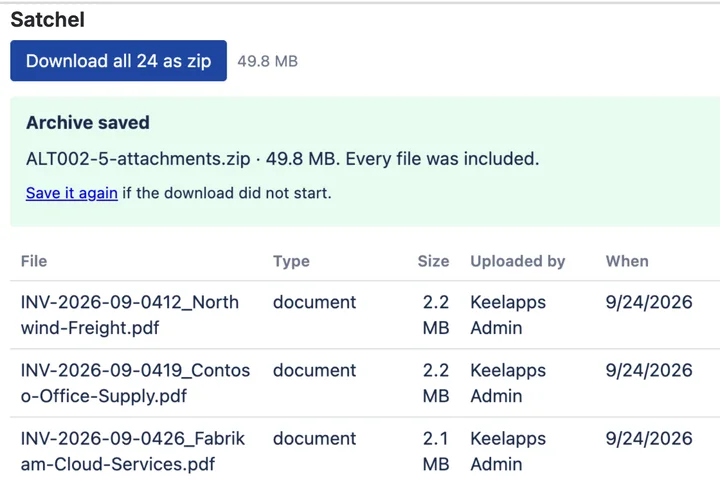
Jira zips one issue. Satchel zips the whole search.
Satchel for Jira Runs on Atlassian
-
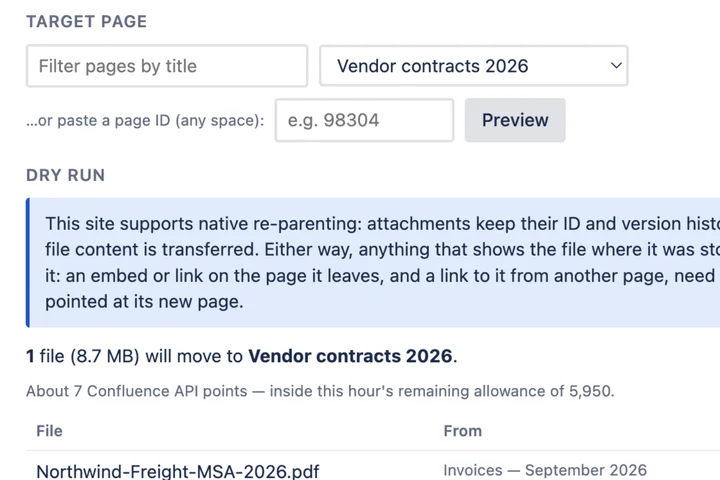
Confluence moves attachments one at a time. Satchel moves them in bulk.
Satchel for Confluence Runs on Atlassian
-
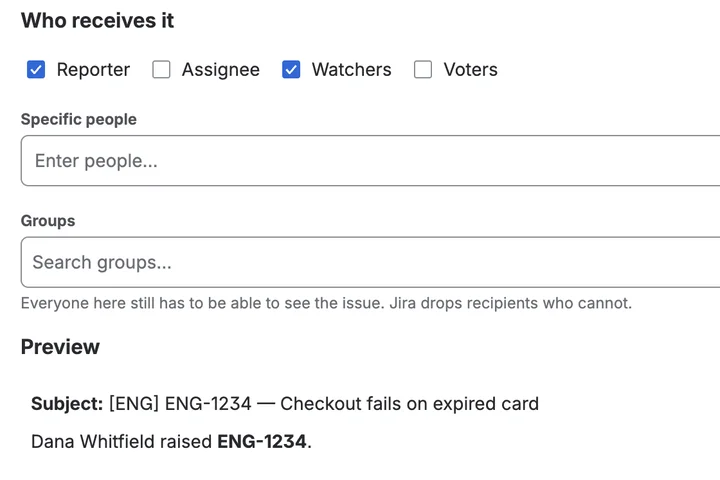
Jira's notification email, in your words.
Mail Templates for Jira Runs on Atlassian
-
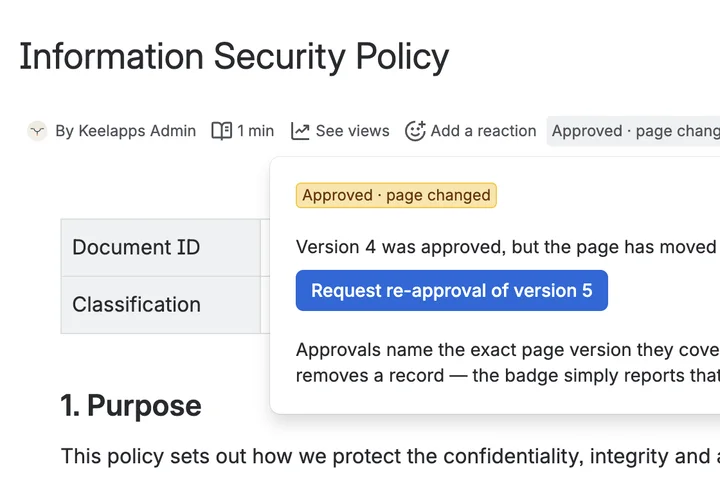
Who approved this version of this page — and is that still good?
Signoff for Confluence Runs on Atlassian
-
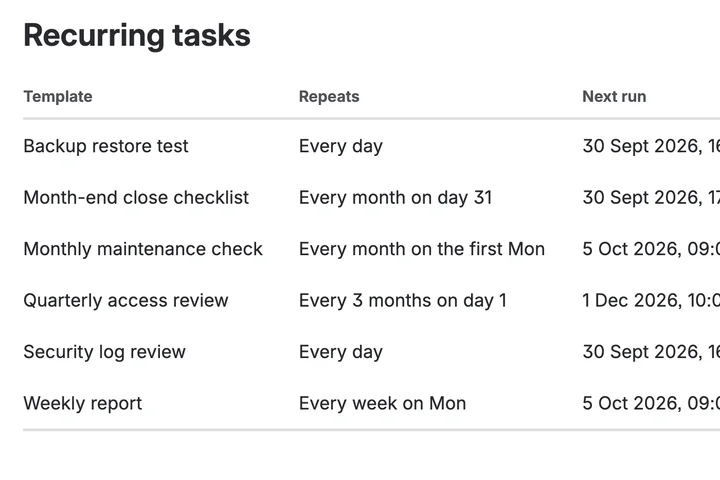
The work that has to happen every month, happening every month.
Recur for Jira Runs on Atlassian
-
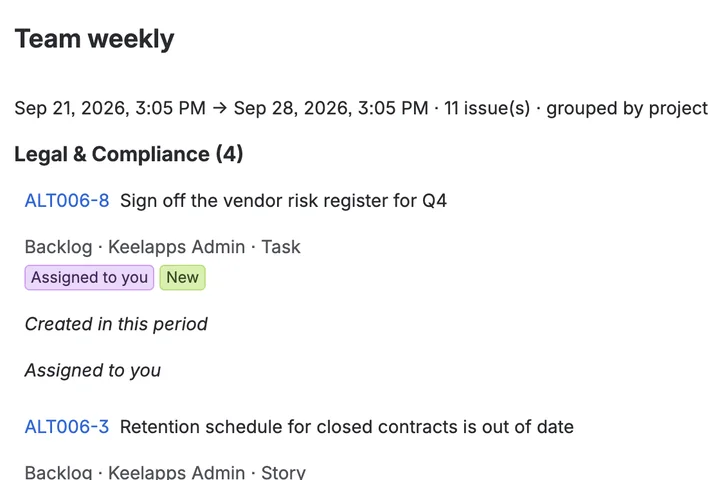
Six emails about one issue, folded into one summary.
Digest for Jira Runs on Atlassian
-
Give a colleague one link instead of a Jira tutorial
Prefill for Jira Runs on Atlassian
-
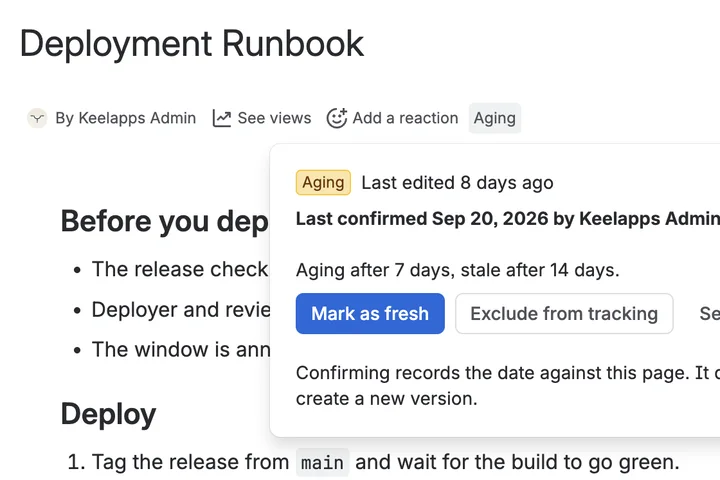
A page that was right two years ago still looks right today.
Evergreen for Confluence Runs on Atlassian
-
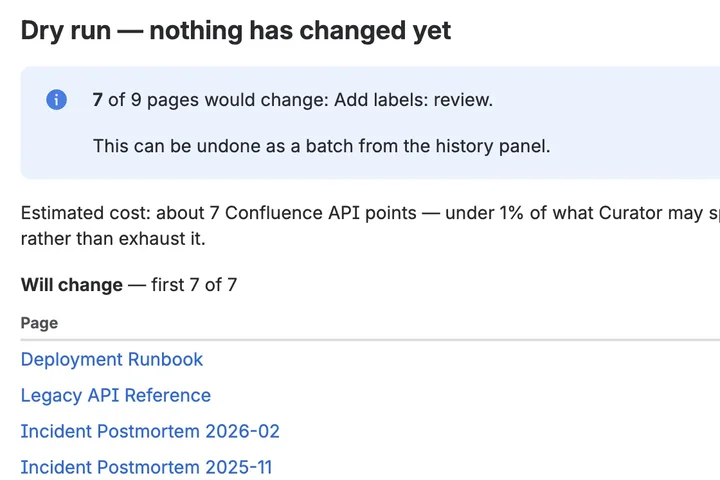
Change three hundred pages at once — and put them back if it was wrong
Curator for Confluence Runs on Atlassian
-
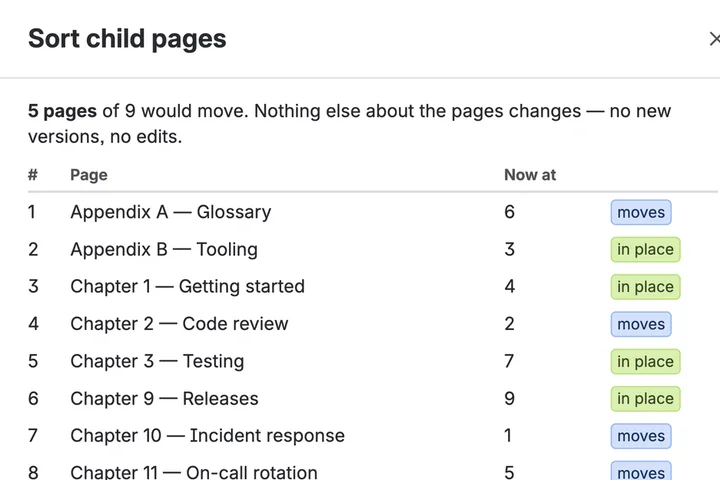
Sort a page tree once, and the next new page still lands at the bottom.
Sort Pages for Confluence Runs on Atlassian
Guides
How-to guides for Jira and Confluence admins.
Each one starts with what Jira or Confluence can do on its own, then the workarounds, and only then the apps that help.
-
Before you turn on Rovo: check who can see what in Jira and Confluence
Rovo and AI tools connected through the Atlassian MCP server only show what a user can already see.
-
How to get a page approved in Confluence Cloud, on any plan
Confluence Cloud has page approvals on Premium and Enterprise only.
-
How to create recurring tasks in Jira Cloud
Jira Cloud's Set to recur repeats a work item up to monthly.
-
How to move attachments between pages in Confluence Cloud
Confluence Cloud moves an attachment to another page one file at a time.
-
Which Jira projects can a user access?
Jira Cloud has no screen that lists every project one person can reach.
-
Which Jira projects can a group access?
Jira Cloud has no screen that starts from a group.
Below the waterline
Every app is built the same way, whichever gap it fills.
Admin tools touch permissions, pages and people's inboxes. These four things hold for every app we publish.
-
Runs inside your tenant
Built on Atlassian Forge, declaring no external network access. Your data is never sent to us, or to anyone else.
-
Installed and billed through Atlassian
Every live app is free for sites up to 10 users. Above that it is priced per user and billed by Atlassian, not by us. See every price.
-
Honest about its limits
Each product page compares the app with native Jira or Confluence and the alternatives — including what it does not do.
-
A demo before you install
A one-minute demo for every live app, recorded on a production install rather than mocked up.
Support
Routed by purpose.
So nothing sensitive lands in a public tracker.
-
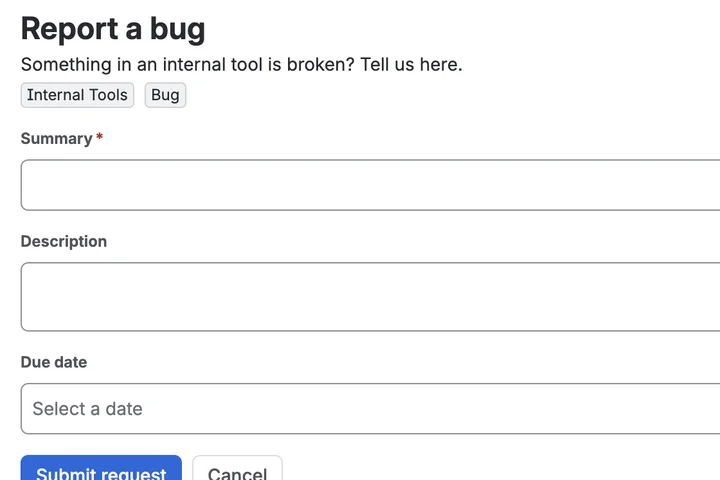
Questions, bugs, features
Including questions from before you have installed anything.
-
Security vulnerabilities
Never in a public channel.
-
Privacy and data requests
The contact address on each privacy policy
Every app has its own, linked from its product page.